Mateo

-

HDMI vs DisplayPort
-
Protected: Apple Watch Series 4 GPS 44 mm Aluminum
There is no excerpt because this is a protected post.
-
Protected: Install Plex 1.25 on Ubuntu LTS 20.04.03
There is no excerpt because this is a protected post.
-
Tasmota Sonoff RF BridgeR2 – ESP8285
Install Tasmota on Sonoff RF BridgeR2 – ESP8285 Links: https://tasmota.github.io/docs/devices/Sonoff-RF-Bridge-433/ https://community.home-assistant.io/t/new-sonoff-rf-bridge-board-need-flashing-help/344326/5 Board DetaisModel: RF BridgeR2 FCC ID: Wi-Fi: Power Input: Chip: ESP8285 Board Version: R2 v2.2 Board date: 2021.01.19 Serial to USB Cable: TX – Green RX – White 3V – Red GND – Black Pics
-
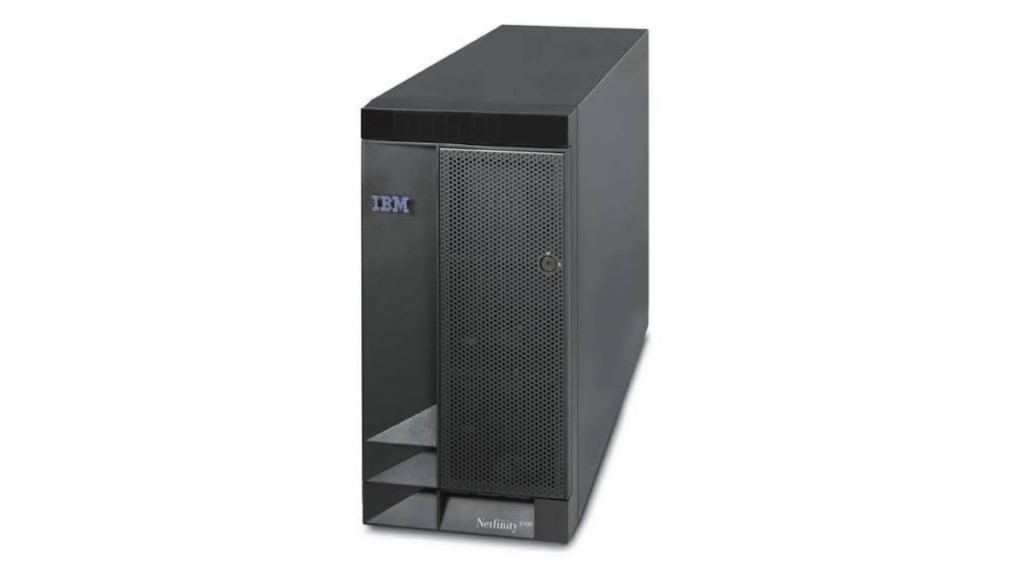
Computer Systems
Comprehensive benchmark catalog of Mateo’s Museum complete computer systems and workstations, ranked by PassMark CPU Mark performance.
-
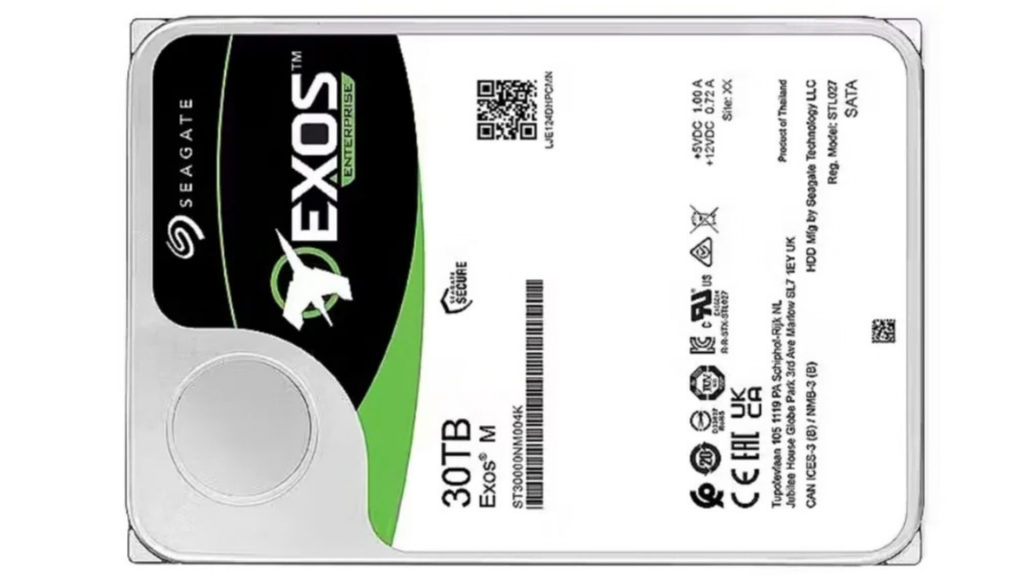
Storage Collection
Comprehensive catalog of Mateo’s Museum storage hardware collection, sorted by capacity descending from 22 TB enterprise spindles down to vintage microdisks and flash memory cards.
-
Arduino Projects
Prjoject 30 – Lock my computer using an RFID card Requirements: (1) Windows PC (1) Arduino nano (1) Breadboard – Half Size (1) USB A-to-B Cable (1) RC522-RFID Module (3) 10k Ω Resistor Order next: jump cables wires pushbuttons putentiometer Projects: https://www.hackster.io/160223/smart-home-control-with-wemos-d1-mini-use-telegram-app-f58ca0
-
Protected: Combine QNAP Shared Folders into one Share
There is no excerpt because this is a protected post.
-

Baseus cable 100W USB-C to USB Type C PD2.0 Fast Charger QC3.0
20V/5A – 100W high power QC3.0 quick charge PD2.0 480Mbps transmission rate Intelligent management chips Aluminium alloy + TPE + High density glossy braided wire Lenght: 2 metters USB Type C interface
-
How to Map network drive MacOS Catalina Automount
How to Map a Network Drive on Mac Launch Finder Click Go > Connect to Server (Command + K) Enter the path for the network drive you’d like to map and click Connect. (smb://192.168.222.111) If you’re prompted for a confirmation, click Connect. Once the network drive has been mapped, it will appear under your desktop as a mounted drive or under your Locations menu in any Finder window. How to Automount a Network Drive on macOS Click the Apple Logo…